

Follow us on:


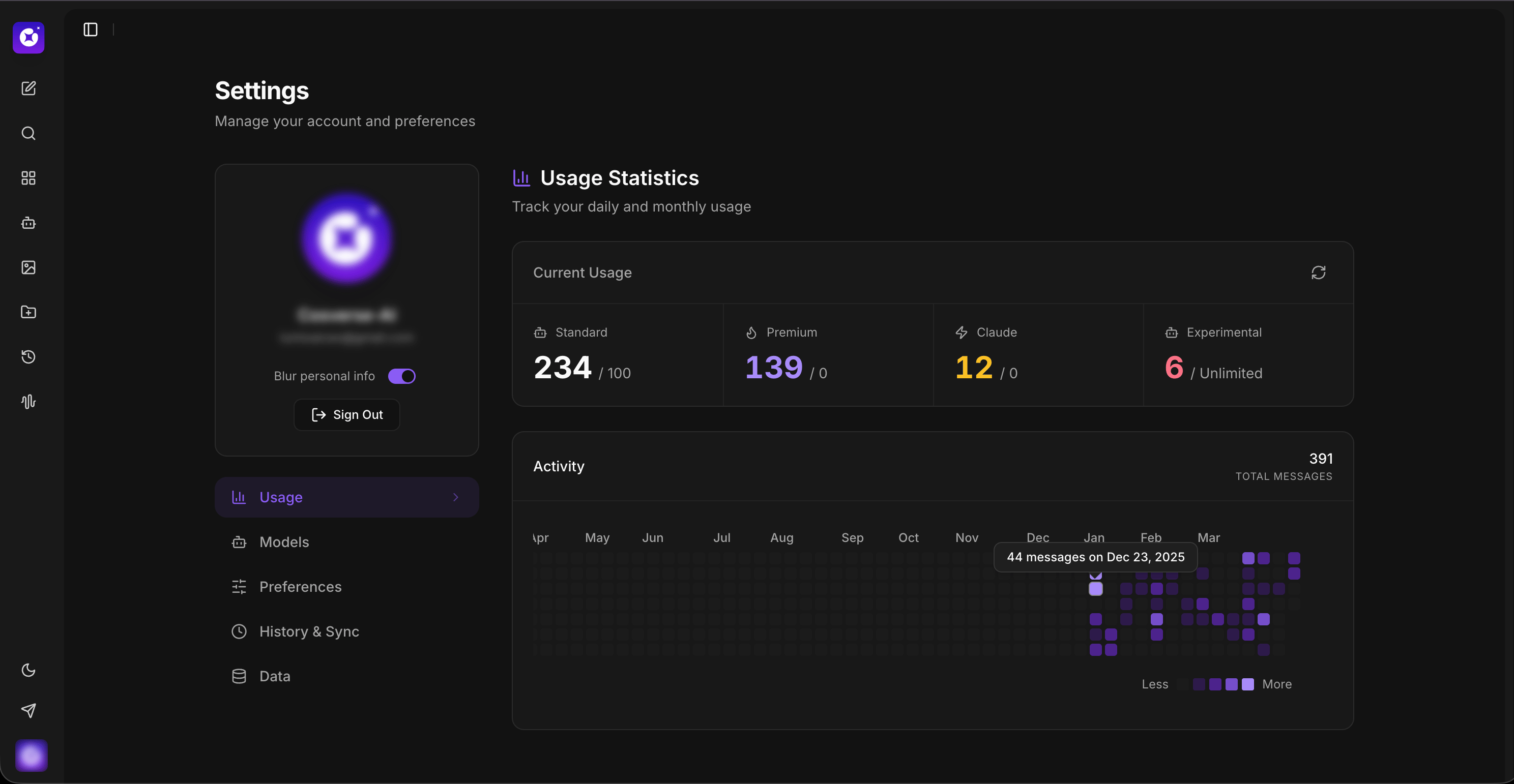
New Settings UI & Usage Tab ⚙️
New Settings UI & Usage Tab ⚙️
We know that as your projects grow, managing your account settings shouldn't feel like a chore. You should be able to find what you need quickly and get back to the work that actually matters.
That’s why we’ve completely redesigned our Settings area from the ground up to give you a smoother, more intuitive experience.
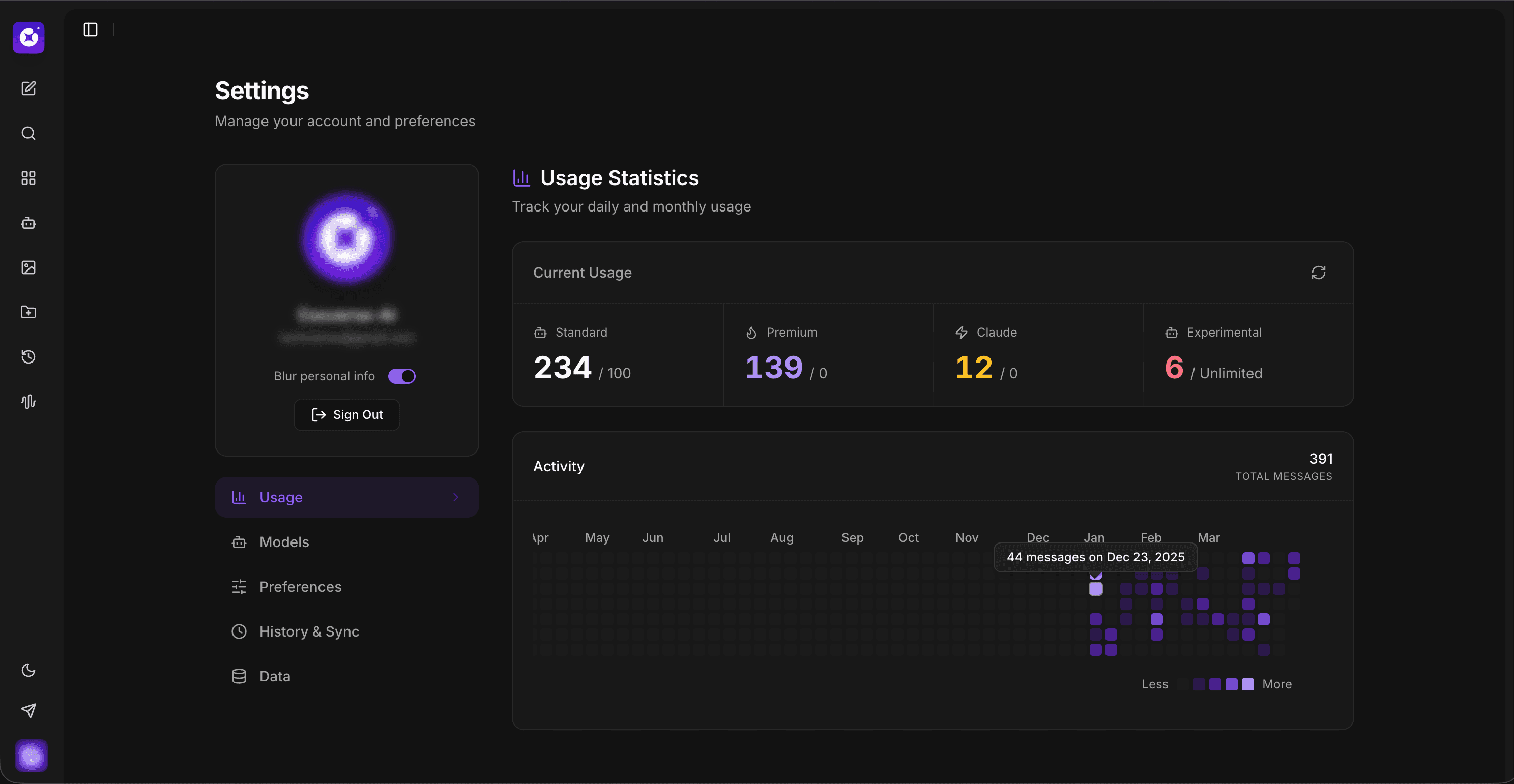
What’s new:
Fresh, modern interface: We’ve cleaned up the clutter. The new layout is built for speed, making it easier than ever to navigate through your configurations without the guesswork.
Real-time Usage tab: No more wondering how close you are to your plan limits. Our brand-new Usage tab lets you track your resource consumption in real-time with clear, easy-to-read visuals.
Better organization: We’ve regrouped your account and team preferences so that everything lives exactly where you’d expect it to. Whether you're updating a billing email or adjusting team permissions, it’s all just a click away.
With these updates, you can stay on top of your usage limits at a glance and keep your team running smoothly. Dive in and let us know what you think!